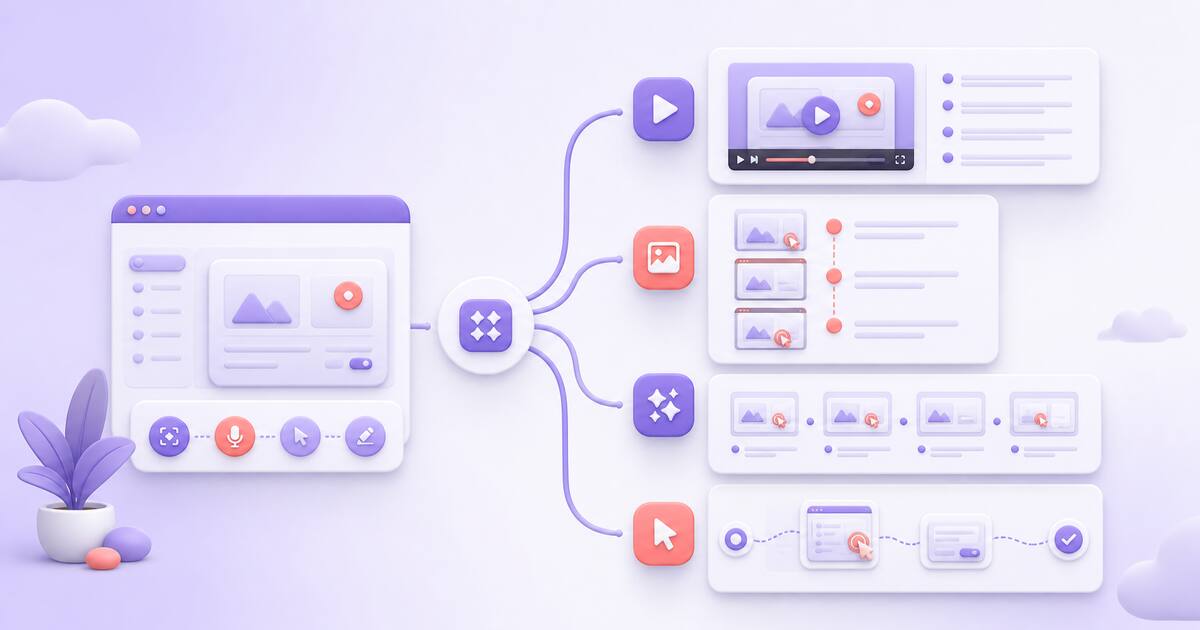
Scribe made click-through documentation mainstream: run through a workflow once and get a numbered guide with screenshots. It’s genuinely good at that job — which is why threads asking for alternatives rarely start with “Scribe is bad.” They start with a specific limitation that finally bit. The right alternative depends on which one bit you.
Why people actually leave Scribe
Read through the communities where this comes up — r/msp, r/selfhosted, Spiceworks — and three reasons repeat:
- Price creep past the free tier. Pro Personal is $35/month (or $25 billed annually), and team pricing carries a five-seat minimum. One MSP quoted an enterprise offer of “$39 per user plus an additional $1300 per month. So that is $18,000 per year for 5 users.” A year-long customer in a 2025 thread put it more simply: “Pricing crept up and it wasn’t flexible enough for how we build KB docs.”
- Capture and export limits. The free plan is browser-only, and getting guides out is a recurring complaint — a healthcare IT team rejected it over local storage and export options, and a technical writer noted “there is no ability to export, only share link” on the free tier.
- Screenshots don’t explain everything. Stills show where to click, not why, and nothing that involves motion, timing, or judgment.
Need a guide that shows the motion, not just the clicks? Chairkick lets you record the walkthrough once and share the recording with editable steps on one page. See video guides
First, decide what “guide” means for you
Tools in this space produce four different artifacts, and most roundups blur them together:
- Written steps with screenshots — Scribe’s own format. Closest like-for-like: Tango.
- The real recording plus written steps on one page — a narrated video and skimmable instructions together: Chairkick.
- AI-produced video — polished tutorial videos generated from a capture, usually with an AI voiceover: Guidde, Clueso.
- Interactive demos — a clickable replica of your product the viewer steps through: iorad, Supademo.
Pick the format your customers actually need before comparing prices.
Pricing at a glance
All prices checked on the vendors’ official pricing pages on August 9, 2026. Annual-billing rates shown as monthly equivalents.
| Tool | Format | Free plan | Paid entry (annual billing) |
|---|---|---|---|
| Chairkick | Real video + written steps on one page | 14-day Pro trial | $6/mo billed yearly ($9 monthly) |
| Scribe | Screenshot step guides | Browser capture, share via link | $25/seat/mo Pro Personal; teams $13/seat, 5-seat min |
| Tango | Screenshot step guides, SOP focus | 5 shared workflows, up to 10 users | $22/user/mo (1–2 users); $15/user/mo (3+ users) |
| Guidde | AI-voiceover video docs | Up to 25 how-to videos | $19/creator/mo |
| Clueso | Studio-style video + articles | 10 min video export/mo, 1 user | $40/mo Solo; $120/mo for 2 users (Business) |
| iorad | Interactive step player | Unlimited public tutorials | $200/mo for 1 creator |
| Supademo | Interactive product demos | 5 demos, 1 creator | $38/creator/mo |
Chairkick — keep the video and the guide
Chairkick starts from a narrated screen recording instead of clicks. You record the walkthrough once; AI turns the transcript into editable written steps with timestamps and pulls a screenshot from the recording for each one. You share a single unlisted page where customers can watch the walkthrough, read the steps, or jump to the moment they need — ordinary share-link viewers do not need an account or paid seat. New workspaces receive a 14-day Pro trial; Pro includes recordings, guides, video editing, and downloads at $9/month ($6/month billed yearly) per recorder. Built for SaaS support and onboarding answers, not studio production. See how video guides work.
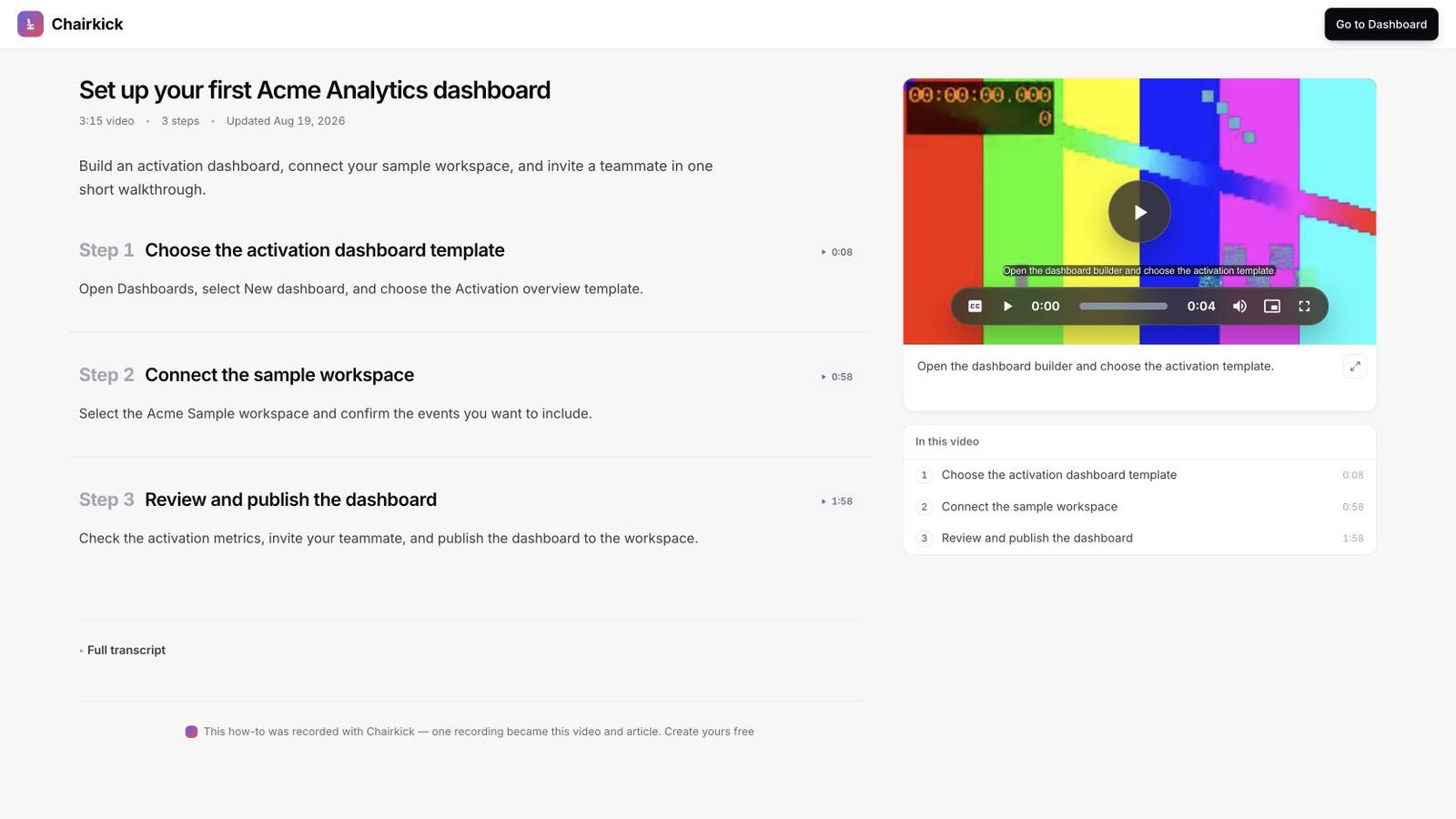
This real Chairkick guide uses a synthetic Acme Analytics workspace. Viewers get the recording, skimmable steps, timestamps, and chapter navigation on one page.
Tango — the closest like-for-like
Tango does the Scribe job with a near-identical capture flow — when it launched on Hacker News, the first question was literally “does it provide different features than Scribehow?” It leans harder into SOPs and internal process adherence, and its individual pricing undercuts Scribe’s slightly at $22–26/month. The free plan caps at five shared workflows, and capture is browser-based. If screenshot guides are exactly what you want and Scribe’s pricing is the only problem, compare these two first — we did in Scribe vs Tango.
Guidde — AI video documentation
Guidde generates tutorial videos from a capture, with AI voiceover and storyboard-style editing, and positions itself squarely as “video documentation.” Pro is $19/creator/month billed annually ($29 monthly), with a free tier covering up to 25 videos. Good when you want video output at volume and don’t mind a synthetic narrator; less good when the presenter’s real voice and judgment are the point.
Clueso — studio-grade output
Clueso turns screen recordings into polished product videos plus written docs — closer to a production studio than a documentation tool. A Solo plan is $40/month billed yearly for one user with capped exports; Business is $120/month for two users. A fit for teams shipping marketing-grade tutorial libraries, oversized for answering support questions.
iorad and Supademo — interactive step players
iorad captures a workflow into an interactive tutorial the viewer clicks through at their own pace. Its free plan is generous — unlimited tutorials — but they’re public, and private use starts at a startling $200/month for one creator. Supademo builds interactive product demos, mostly for sales and onboarding, from $38/creator/month. Neither produces a narrated video or a prose guide the viewer can skim — the viewer drives. Great for “try it yourself” moments, wrong for “watch me do it” explanations.
What about free?
Scribe’s free plan remains a fair default for occasional browser-only internal guides — just know that export and desktop capture are exactly where it stops, per the threads above. On the video side, bundled recorders like Google Vids and Slack clips are free but stop at a raw video link: no steps, no screenshots, no guide page.
Bottom line
Like-for-like screenshot guides at a slightly lower price: Tango. AI-narrated video at volume: Guidde. Studio polish: Clueso. Self-driven interactivity: Supademo, or iorad if the budget allows. And if the reason you’re leaving Scribe is that screenshots alone don’t explain your product, Chairkick shares the real walkthrough and the written guide together. Test that combined format during the 14-day Pro trial before deciding whether it belongs in your documentation workflow.
Prices verified on the vendors’ official pricing pages on August 9, 2026; check current pricing before you commit.