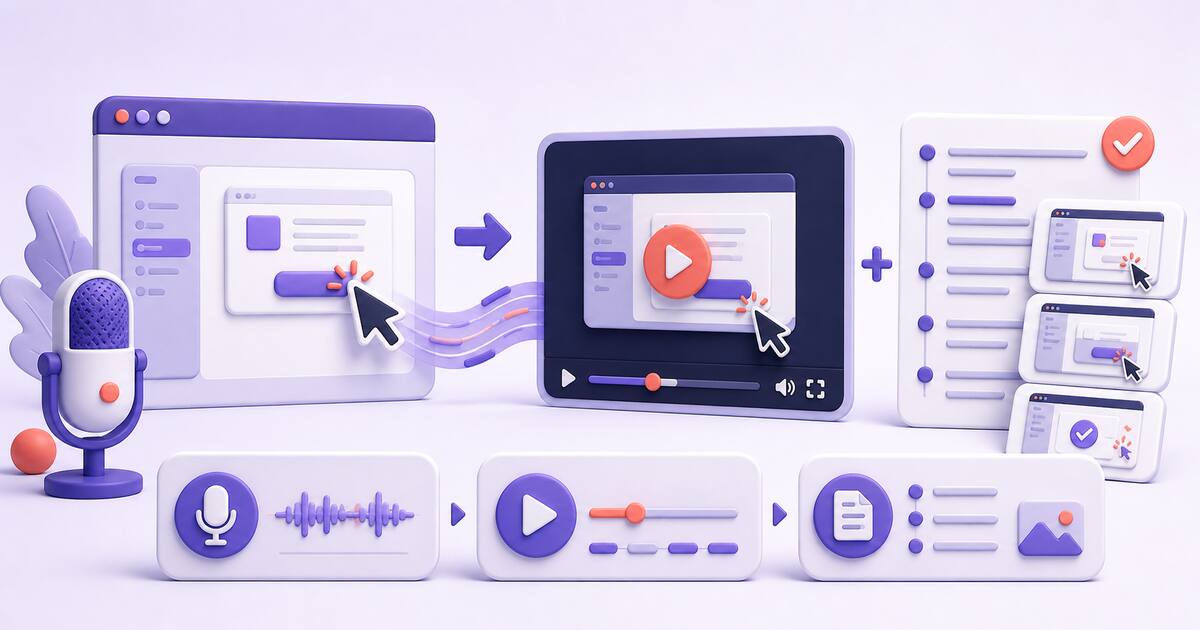
Most advice on how to make a tutorial video assumes you’re producing content — intros, music, editing suites. If you’re explaining your own software to customers, that’s the wrong model, and it’s expensive: in one Hacker News thread on demo videos, a founder reported a single short product video taking “something like 5 hours” to produce. A tutorial video is a support answer, not a production: one task, one narrated take, published where the question gets asked. The demand side is real — 96% of people have watched an explainer video to learn about a product, and 63% say short video is how they’d prefer to learn — so the job is making these answers cheap to produce, not cinematic.
1. Script the task, not the video
Write down the steps a customer would follow — five to eight numbered lines, nothing more. This outline keeps the recording on rails, and it doubles as the skeleton of the written guide you’ll publish next to the video. If you can’t list the steps, you’re not ready to record; if you list twelve, split it into two videos.
2. Set up one clean take
You need a screen recorder, a decent microphone, and a quiet room — not a studio. Practitioners keep landing on the same conclusion: in r/instructionaldesign, an instructional designer who knows Premiere Pro admitted that “for training videos, Camtasia is all you need” — simple capture beats pro suites for this job. Test your mic before the first take, close notification-spewing apps, and use a clean demo account so no customer data appears on screen. Record the browser tab or window, not your cluttered desktop.
Want one take to become both the video and the guide? Record in the browser, then turn your narration into editable steps and screenshots. Make a tutorial video
3. Narrate what you click, and why
Talk the way you would if the customer were sitting next to you: “I’m opening Settings because the API key lives under Integrations.” The why is what a video carries that screenshots can’t. Don’t re-record over small stumbles — a human take builds more trust than a synthetic-perfect one; in the same instructional-design thread, AI avatar tools got the verdict “my company loves it but I think it looks incredibly fake.” Your real voice over your real product is the credibility.
4. Keep it short — the data is unambiguous
Wistia’s State of Video report, built on analysis of over 13 million videos, is blunt about length:
| Length | What the data shows |
|---|---|
| Under 1 minute | 52% average engagement — the highest bracket |
| 1–5 minutes | Viewers typically watch over half of tutorial and educational videos |
| Past 5 minutes | Engagement declines steadily |
Aim for under three minutes for a single task. If the topic genuinely needs ten, it’s three tutorials wearing a trench coat — split it. Short videos also get made more often, and a library of small answers beats one epic walkthrough nobody maintains.
5. Publish the video with written steps
This is the step most teams skip, and it’s where tutorial videos quietly fail: a sizable share of your customers won’t watch a video at all. When developers on Hacker News debated tutorial videos, the top sentiment was “I can read faster than you can talk” — while a SaaS founder in the same thread countered that his non-technical users prefer video. Both are your customers. The usual fix is writing a separate help article by rewatching your own recording, which is exactly the five-hour trap from the intro.
Chairkick collapses that step: it records in the browser, then AI turns your narration into editable written steps with a screenshot pulled from the right moment of the recording. You review the draft, fix wording, and share one unlisted page with the video and the guide together — watchers watch, readers skim, and both get their format from one take.
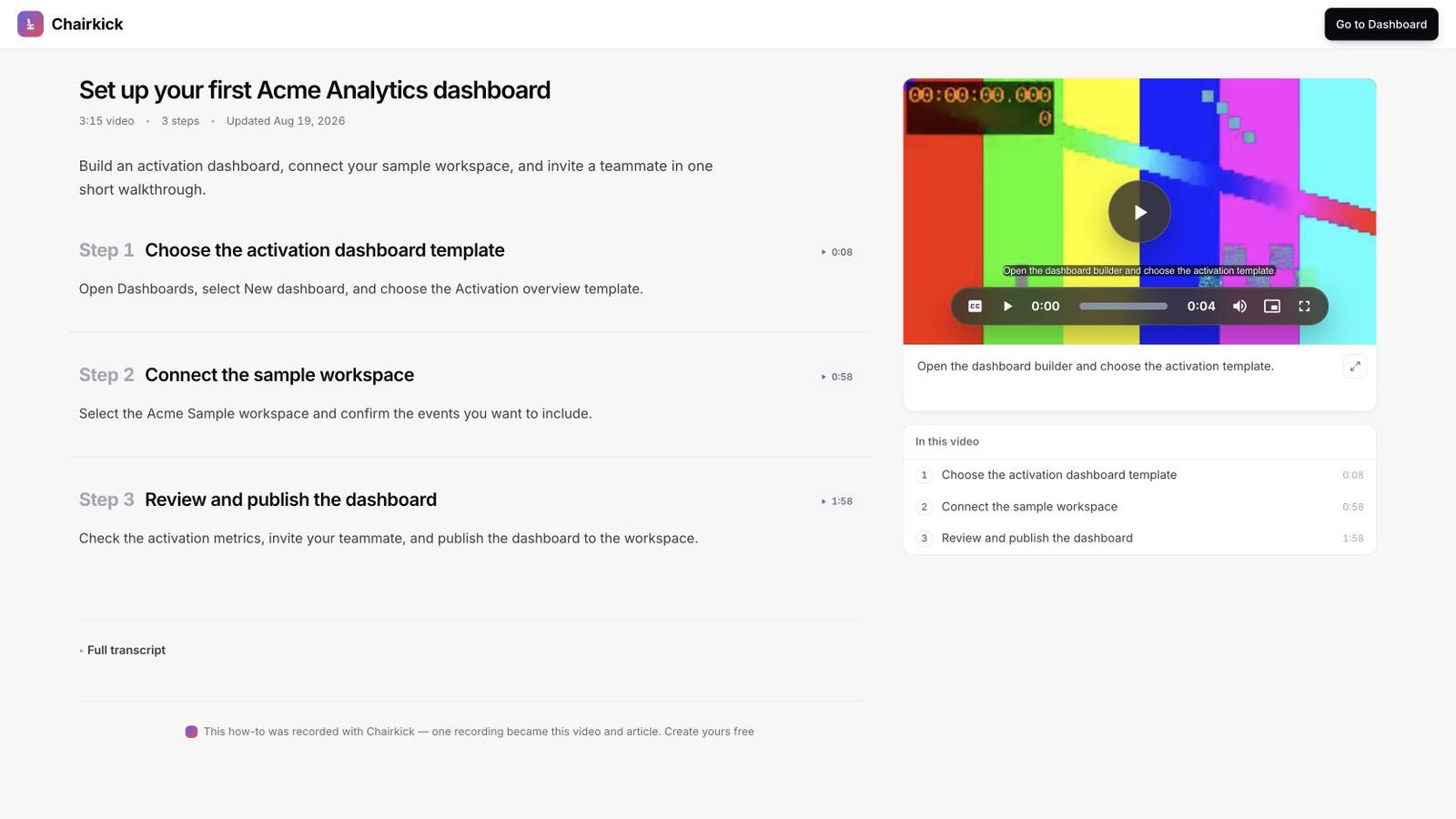
The finished deliverable should make both routes obvious: watch the walkthrough on the right, or scan the three steps and jump to the exact moment you need.
6. Put it where the question gets asked
A tutorial video nobody finds answers nothing. Link it from the help-center article on that topic, paste it into support replies, and drop it into onboarding emails at the step it explains. One good home beats ten embeds.
Bottom line
Making video tutorials for software comes down to: outline the steps, record one narrated take under three minutes, pair it with skimmable written steps, and link it where the question lives. The recording is the easy half — sharing the video and the guide together is what turns it from “a video” into a support answer that works for both kinds of customers.