You can export Loom videos three ways: download them one at a time with Loom’s built-in option, request an account export, or migrate the whole library to another tool in one pass. Which one is right depends on a single question — do you want files, or do you want your videos to keep working?
Need an individual MP4 now? Paste an authorized public share link into the free Loom video downloader. Direct MP4s come from Loom, while streamed recordings are converted privately in supported browsers.
Need a single Loom MP4 now? If the download button is missing, paste an authorized public share or embed link into Chairkick’s free browser downloader. Open the Loom downloader
Option 1: download videos one at a time
For videos you own, Loom’s built-in download is the shortest path:
- Open the video in Loom on the web.
- Use the download option (often under the “…” menu on the video page).
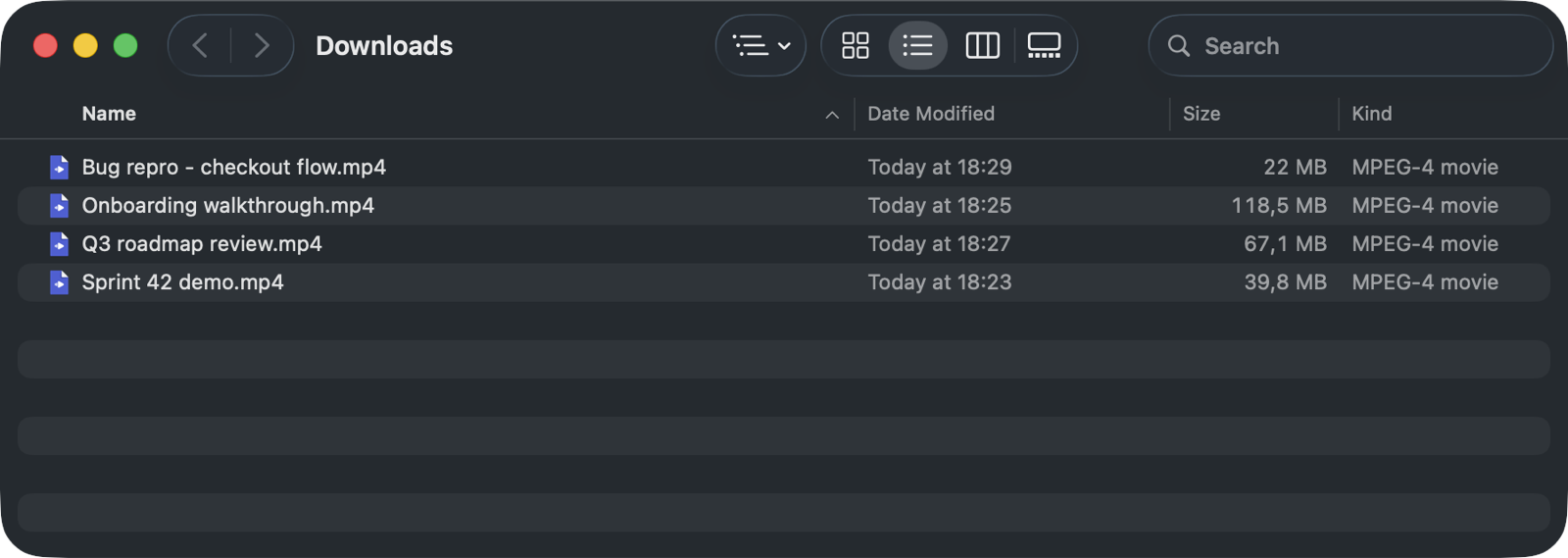
- Save the MP4. Repeat for each video you want to keep.
If Loom’s download control is missing but you have an authorized public share or embed link, the Chairkick browser downloader can save the same recording without uploading it to Chairkick. Current desktop Chrome and Edge can also convert streamed recordings locally.
Both single-video paths have the same limits:
- It’s one video at a time. A 60-video library is an afternoon of clicking.
- The MP4 is just pixels. The transcript, comments, chapters, and view history stay behind.
- Every link you ever shared — in wikis, tickets, onboarding docs — still points at Loom, and dies when your plan does.
Downloads are the right call for a handful of videos you want as raw files: a clip to edit, a recording to attach somewhere, an archival copy. (Loom can also provide an account-level data export — check your workspace settings and expect it to take a while.)
Option 2: bulk-migrate the library
If the goal is “my videos, out of Loom, still watchable”, migrating beats downloading:
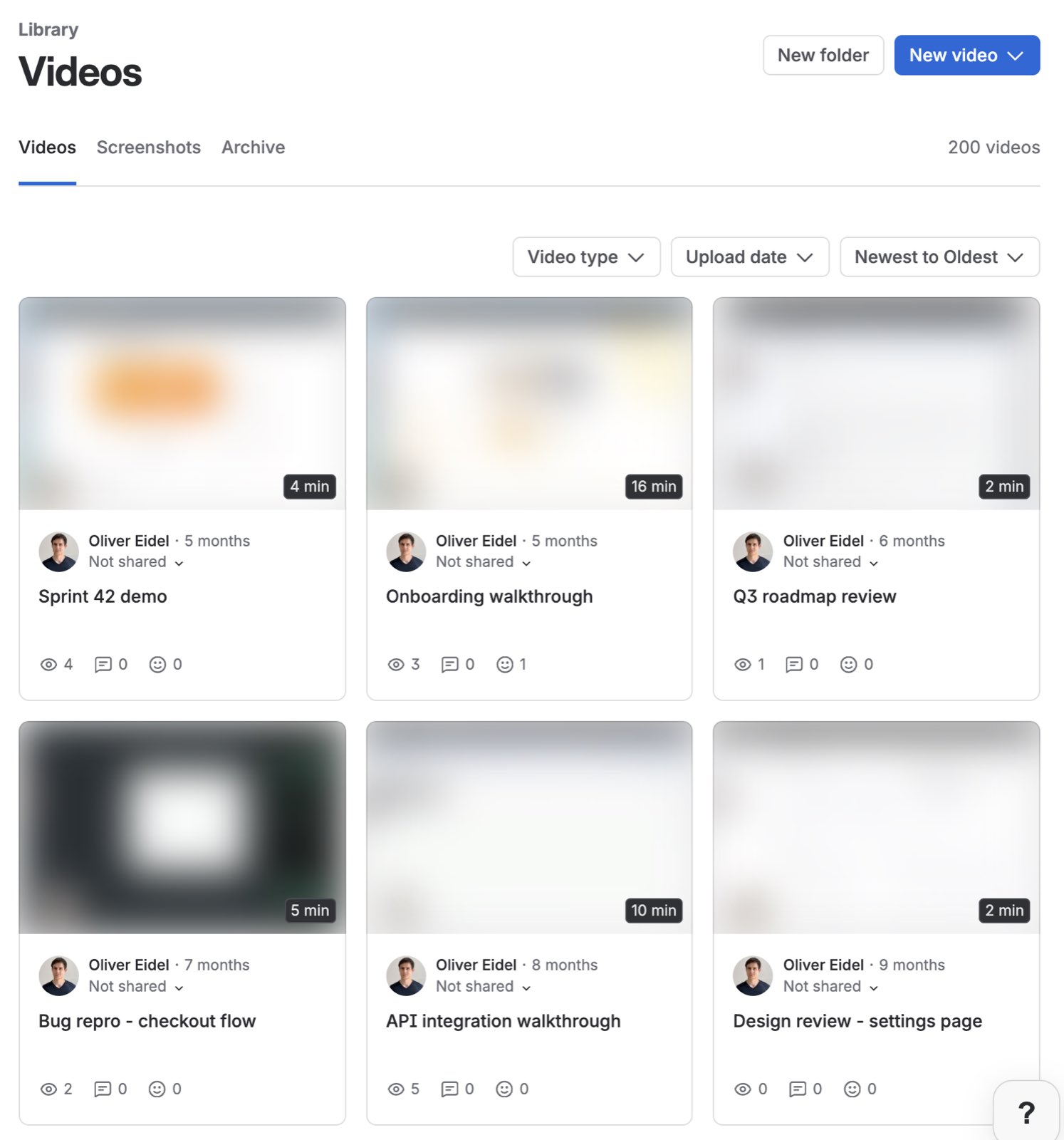
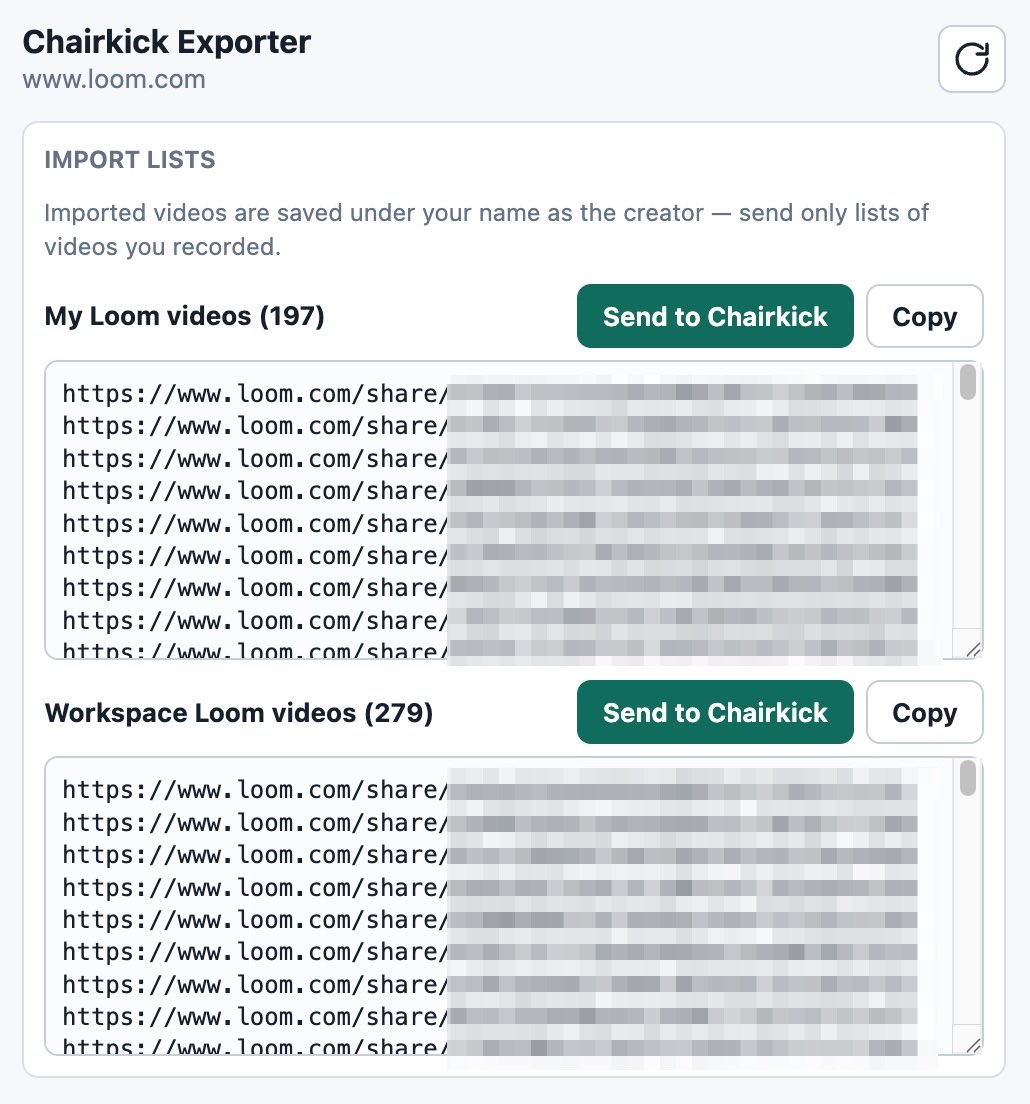
- Open your Loom library and collect the share links — copy them by hand, or use the Chairkick Chrome extension to grab every link on the page in one click.
- Paste the links into Chairkick’s importer. It fetches each video at original quality.
- Each import gets a fresh unlisted share link, plus a new transcript, AI summary, and chapters — generated automatically.
- Update the links that matter (your wiki, your onboarding doc) to the new URLs.
A library migration takes minutes, not an afternoon, and nothing ends up in a Downloads folder. We cover the full process in migrating from Loom to Chairkick.
What each path preserves
| Loom download (MP4) | Import into Chairkick | |
|---|---|---|
| Video quality | Original | Original |
| Watchable share link | No | Yes, new link |
| Transcript + summary | No | Regenerated |
| Comments | No | New comments on the new link |
| Whole-library effort | Per video | One paste |
Before you delete your Loom account
Deletion is the deadline that makes exports urgent: when the account goes, every share link goes with it. Run this checklist first —
- Inventory the links you’ve shared. Search your wiki, help desk, and onboarding docs for
loom.comlinks. Those are the videos that actually matter. - Migrate or download those first. Working links beat files for anything people still watch.
- Grab personal keepsakes as MP4s if you want offline copies.
- Update the shared links to their replacements before the old ones die — see our guide to deleting Loom videos for the deletion side.
- Then cancel — here’s how to cancel a Loom subscription cleanly.
Teams on Loom’s enterprise plans facing migration deadlines: the same checklist applies, just with more links to inventory — start with step 1 early.
Bottom line
Use Loom’s built-in control or the browser downloader when you need individual MP4 files. For everything else — and always before deleting an account — migrate the library so the videos stay watchable. Chairkick imports Loom libraries at original quality with new share links and transcripts. New workspaces receive a 14-day Pro trial with no card; Pro costs $9 per recorder monthly or $72 yearly, and ordinary share-link viewers do not need paid seats.